SAP has multiple form technologies – but which one should you choose?
When it comes to designing business documents in SAP, two main options stand out: Smart Forms and Adobe Forms.
🔹 Smart Forms are static and mainly print-focused. They work well for simple layouts but offer limited customization.
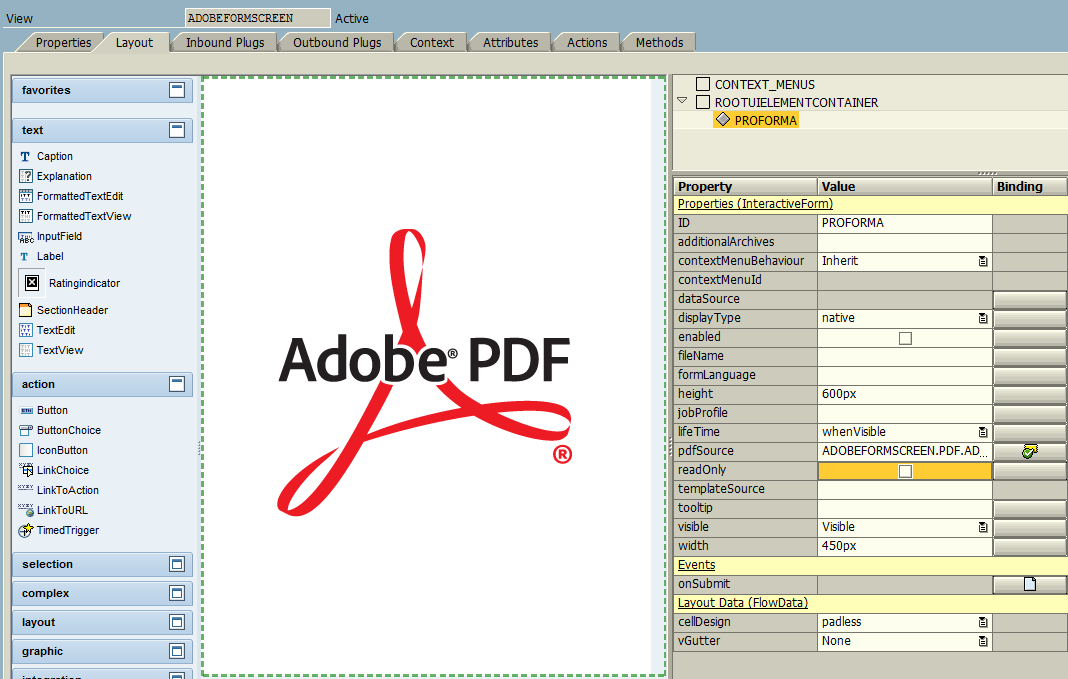
🔹 Adobe Forms, on the other hand, are interactive, dynamic, and PDF-based. They allow enterprises to deliver professional, user-friendly documents.
Key Features of Adobe Forms
Dropdowns, checkboxes, and digital signatures for interactivity.
Dynamic content where text boxes expand as data grows.
Multilingual PDF generation for global business needs.
Example
A Smart Form Invoice prints static text with little flexibility.
An Adobe Form Invoice adapts dynamically, supports multiple languages, and includes polished branding.
Takeaway: Choose Smart Forms for simple outputs, but rely on Adobe Forms for enterprise-ready, interactive documents.