SAPscript is the oldest SAP form development tool, mainly used for printing business documents such as invoices, purchase orders, delivery notes, and payment advices. It provides a way to design, format, and print text-based documents directly from SAP.
How it works:
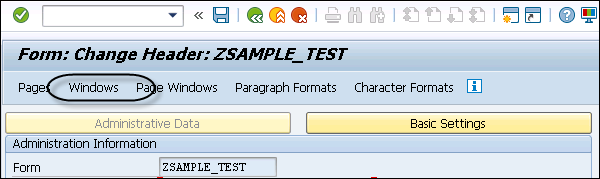
The main design object in SAPscript is the Layout Set, which contains:
Pages – overall structure of the document.
Windows – areas for content (main window, header, footer).
Paragraph & Character Formats – define text style.
A driver program (ABAP) fetches data and passes it to the layout set.
Output is generated using function modules like
OPEN_FORM,WRITE_FORM, andCLOSE_FORM.
Important TCodes for SAPscript:
SE71 – Create/change Layout Set.
SE78 – Upload graphics (logos, signatures).
SO10 – Maintain Standard Texts.
SE38/SA38 – Execute the driver program.
Example: To print a Sales Order Confirmation, you design a layout in SE71, write a driver program that fetches VBAK/VBAP data, and link it via WRITE_FORM.
Difference: Compared to Smart Forms (drag-and-drop UI) and Adobe Forms (interactive PDFs), SAPscript is more technical, harder to maintain, and less flexible for modern business needs.